
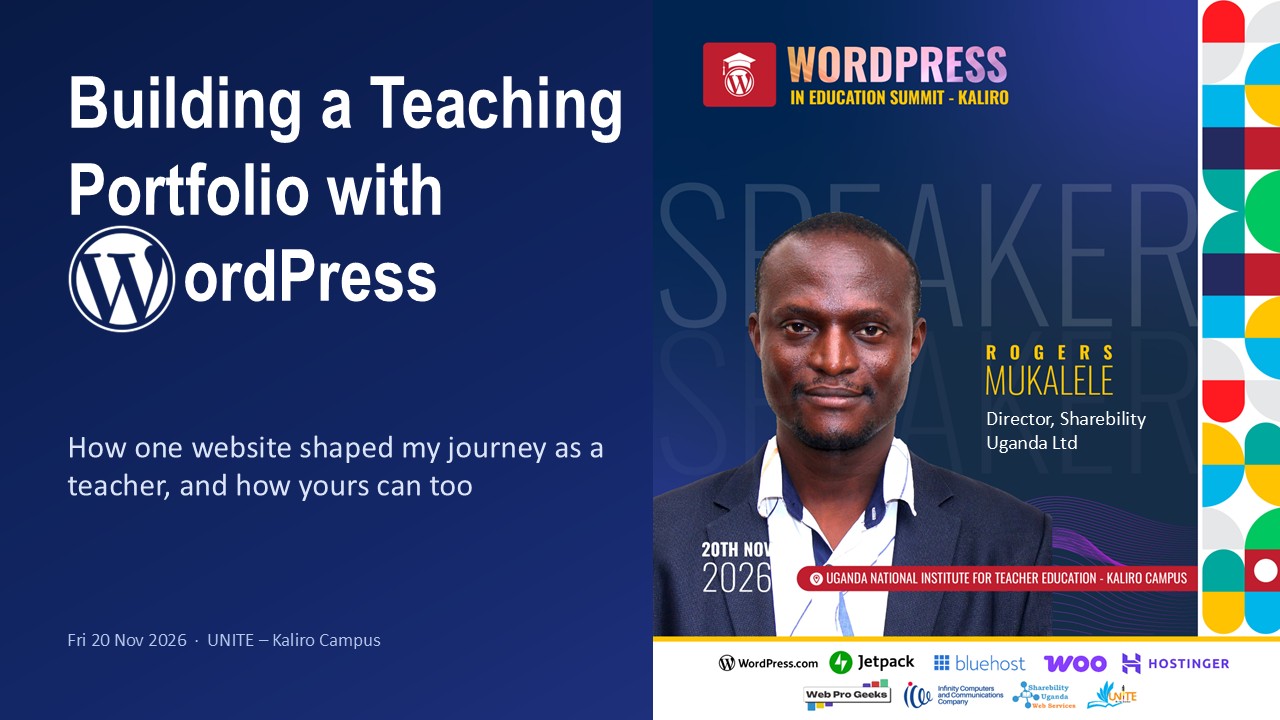
On Friday, 20 November 2026, I spoke at the WordPress in Education Summit, held at UNITE – Kaliro Campus. The theme was Empowering Educators Today, Transforming Education Tomorrow. My session was Building a Teaching Portfolio with WordPress. My message to teachers and teacher trainees was simple: your website can be the CV that works while you sleep.
Today we're at @UNITE_Kaliro for the #WPinEducation Summit https://t.co/PZc9Mt4wxh@mrogers4christ has led a session on Building a Teaching Portfolio with @WordPress (https://t.co/5lXVKFcDPC) & urged the teachers to join the weekly #EdTechExchange sessions to keep learning. pic.twitter.com/9Y5LgMh3t4
— EduTech Teachers Network (@EduTechTrsNet) November 20, 2026
The story behind the talk
In 2010, on school practice at Rock High School Tororo, I had no Computer Studies reference books. Later, at Jinja College, I digitised my notes, and in 2013 I began sharing them free on a blog. Teachers I had never met found them through Google. That blog grew into Sharebility Uganda. When schools closed in 2020, we rebuilt it on WordPress and published more than 10,000 resources.
I never set out to build a portfolio. But sharing my teaching work online became one, and it brought me visibility, credibility, speaking invitations and leadership roles.
Why every teacher needs a teaching portfolio
A teaching portfolio is an online home for your professional story. It shows who you are, what and how you teach, and evidence of the difference you make. A paper file sits in one folder, but a WordPress portfolio is a single link. You can update it from your phone, add photos, videos and downloads, and schools and partners can find it on Google.
A simple structure to start with:
- Home: your photo, name, subject and a one-line tagline
- About & teaching philosophy
- Teaching resources: notes, lesson plans, schemes of work
- Learners’ work: shared only with consent
- Professional growth: certificates, workshops, CPD
- Blog & reflections
- CV & contact
Get started in 7 steps
These are the same steps I shared at WordCamp Mukono:
- Install WordPress, either locally with WordPress Studio or online with your host
- Log in to the dashboard
- Create your pages
- Choose and customise a theme
- Set up your navigation menu
- Create posts
- Add plugins as needed
For free beginner lessons, visit learn.wordpress.org.
Free hosting to get you started
To help you take the first step, Sharebility Web Services offers free hosting through SITE.UG on the Jaribu plan. Jaribu means “try”. You get:
- 500 MB of SSD storage and 5 GB of bandwidth
- A free yourname.site.ug address
- Free SSL and one-click WordPress installation
The plan runs for three months and can be extended on request. Sign up here.
Download the session slides
Your 7-day challenge
Set yourself one small task a day for a week, and publish your first reflection by day seven. Start small, share often, and let your work speak for you.
My thanks go to UNITE – Kaliro Campus, the organising team, the WordPress community in Uganda and the summit sponsors.